Technical Details
| Game: | Naruto Mugen Game Free Download For PC |
| Provided By: | GetIntoMyPC |
| Compatibility: | Windows XP/ Windows 7/ Windows 8/ Windows 10 |
| Setup Type: | Full Offline Installer |
| File Size: | 500 MB |
| Developer: | Fan-made (M.U.G.E.N Community) |
Naruto Mugen Game Free Download For PC
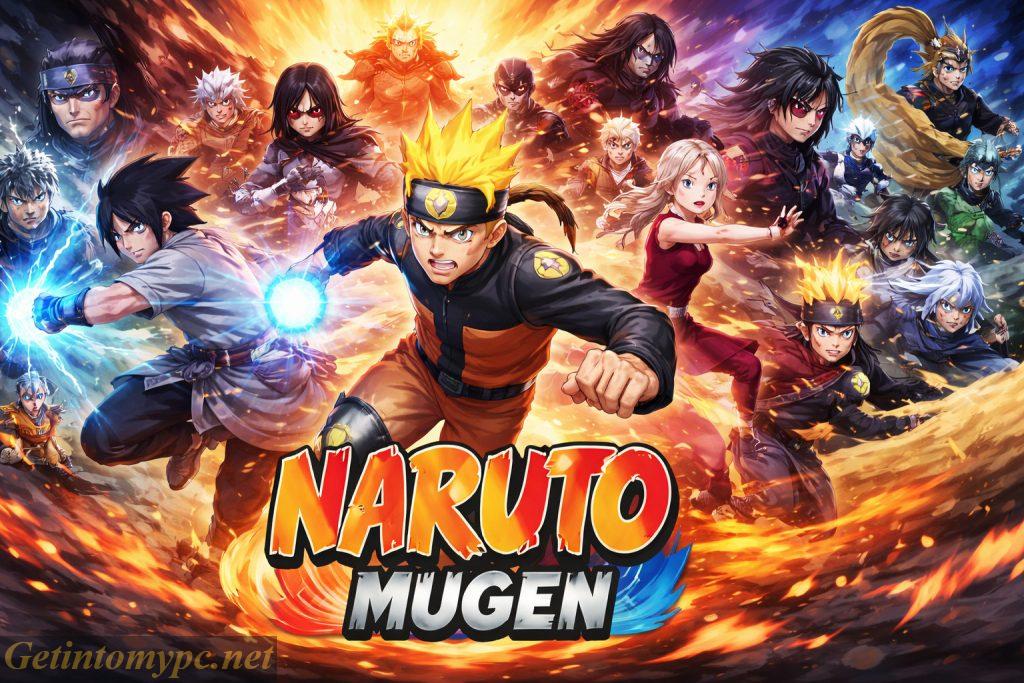
Naruto Mugen is a 2D fighting game based on the well known Naruto anime and manga series. The game brings together environments, characters and combat styles admired by the Naruto universe into a customizable and action-packed experience. Naruto Mugen is made by fans and community developers who design characters, stages and gameplay mechanics to resemble the anime, unlike official Naruto titles developed by major studios.
The game emphasizes on classic arcade style battles and enables players to enjoy fast-paced one on one fights and features inconic ninjas like as Naruto Uzumaki, Sasuke Uchiha, Sakura Haruno, Kakashi Hatake, Itachi Uchiha and many others from various story arcs. The key motive of Naruto Mugen is to offer fans with a free and flexible Naruto fighting game that focuses creativity, variety and nostalgia. As it is built on the M.U.G.E.N engine, the game enables extensive customization and enables players to add or remove characters, create special battle rosters and modify move sets. This flexibility makes Naruto Mugen fascinating to both casual players who need quick anime-themed fights and dedicated fans who enjoy experimenting with different characters.
The game serves as a platform for fans to display their skills in sprite design, animation and gameplay balancing. Naruto Mugen provides a broad selection of characters from across the Naruto series including several versions of the same character portraying different forms or stages of development. Each fighter is equipped with special abilities, combos, special attacks and ultimate jutsu inspired by the anime like Rasengan, Chidori and various Sharingan techniques.
Naruto Mugen Game System Requirements
| Operating System: | Windows XP/ Windows 7/ Windows 8/ Windows 10 |
| Memory (RAM): | 1 GB |
| Hard Disk Space: | 500 MB free disk space |
| Processor: | Intel Pentium 4 or equivalent |
Similar Games
- Naruto Shippuden: Ultimate Ninja Storm 4
- Naruto Shippuden: Ultimate Ninja
- Jump Force
- MUGEN Anime Fighters
- Dragon Ball Z MUGEN
How to Install and Download Naruto Mugen Game
- Download the installer file from our site Get Into My PC.
- Navigate to the folder where the setup file was downloaded.
- Unzip the downloaded file.
- Read the Installation Instructions file which is provided in the downloaded setup folder.
- Double-click on the setup file to start the installation process.
- If prompted, allow the installer to make changes to your device by clicking “Yes”.
- Follow the on-screen instructions.
- Select the installation directory (or use the default directory provided).
- Click the “Install” button to begin copying the files to your computer.
- The progress bar will show the installation status. This may take several minutes.
- Once completed, click the “Finish” button.
- Use the desktop shortcut or navigate to the installation folder to launch Naruto Mugen Game on your computer.